Lay it out your wayCustomize without limits
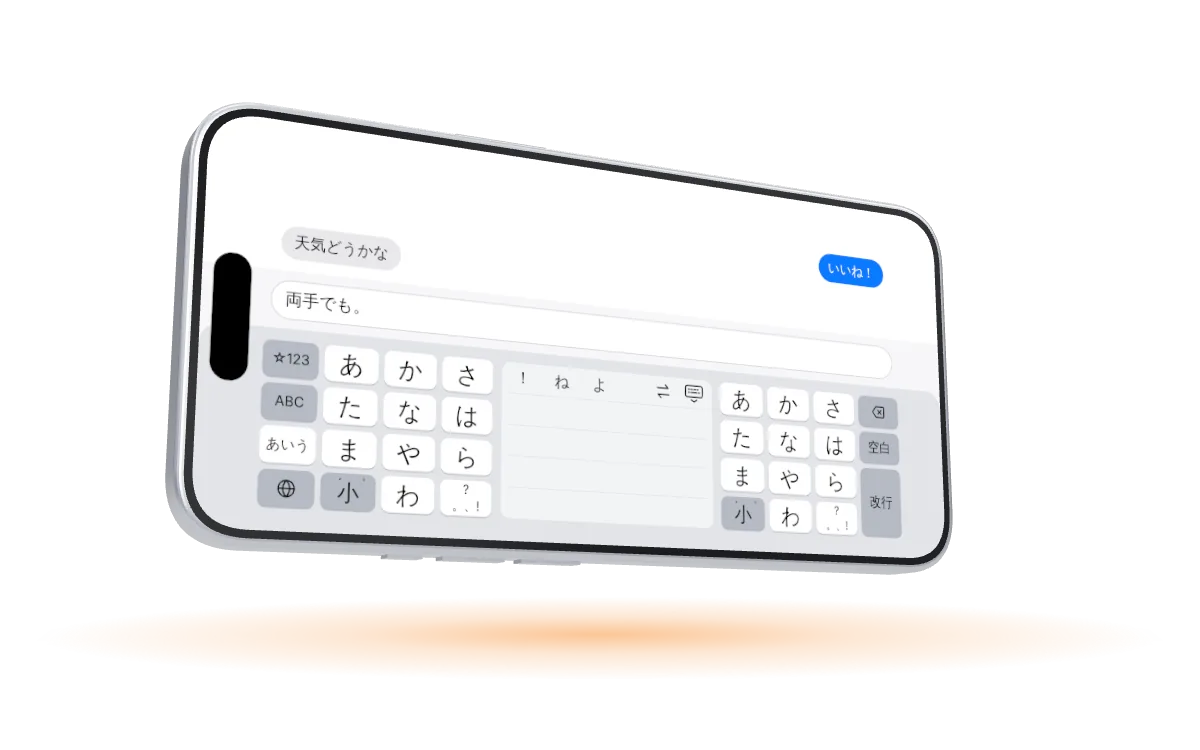
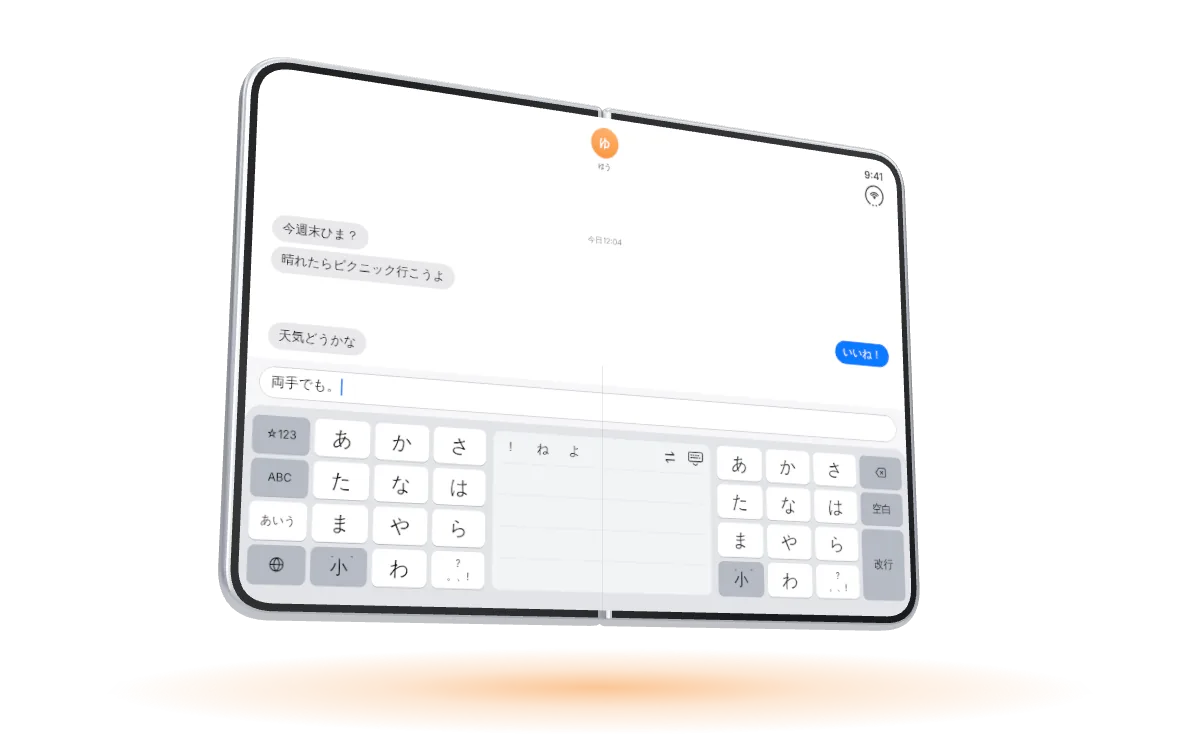
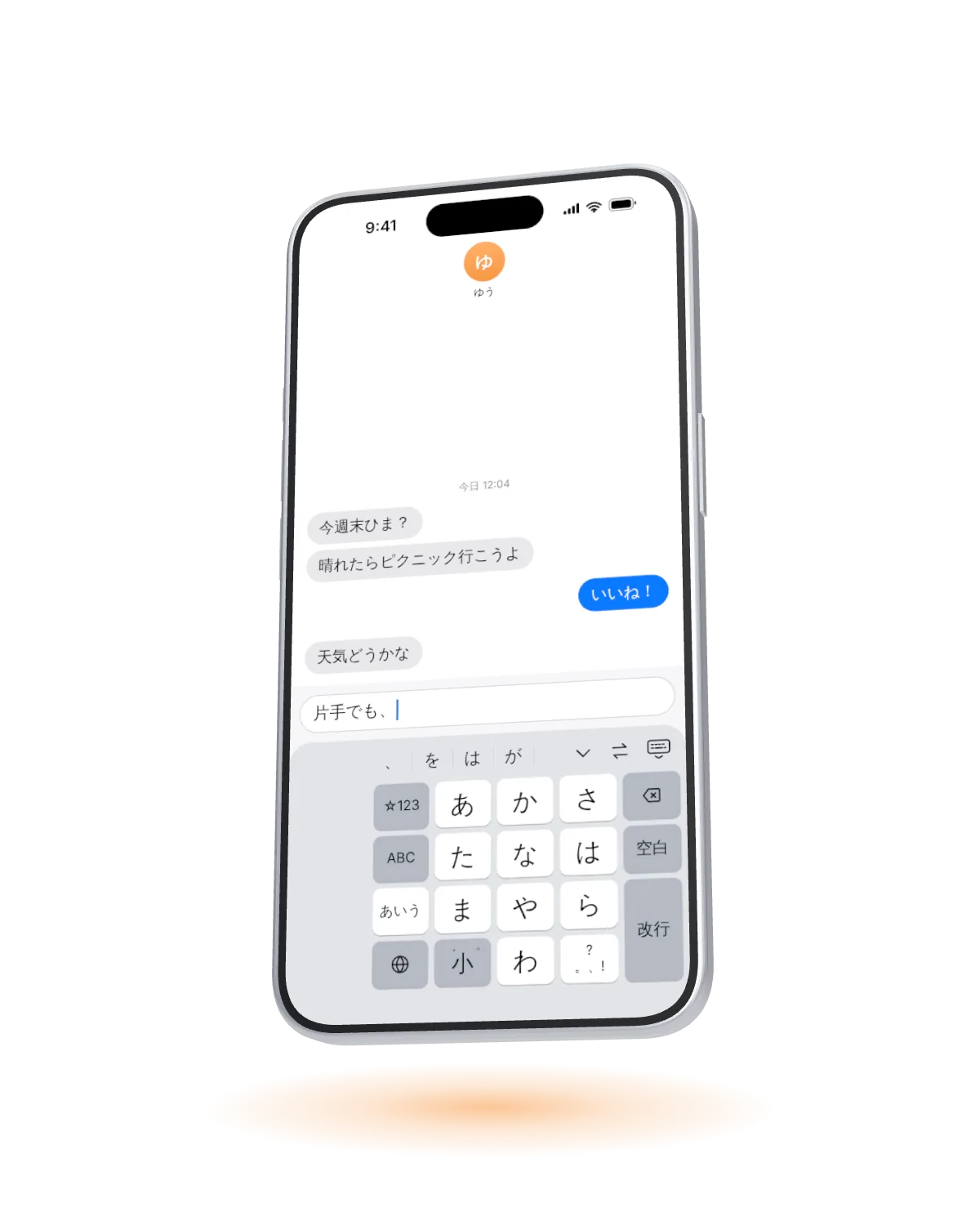
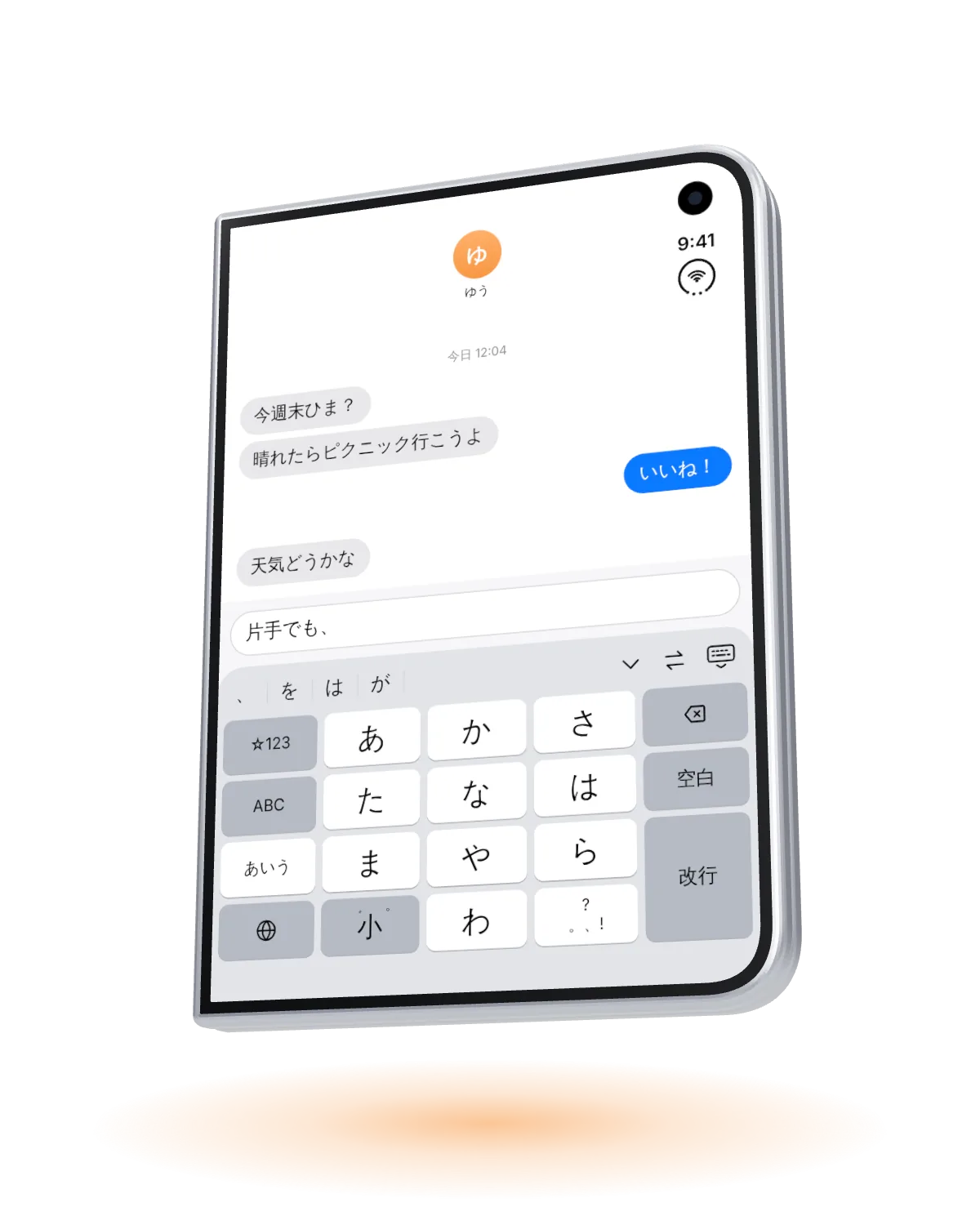
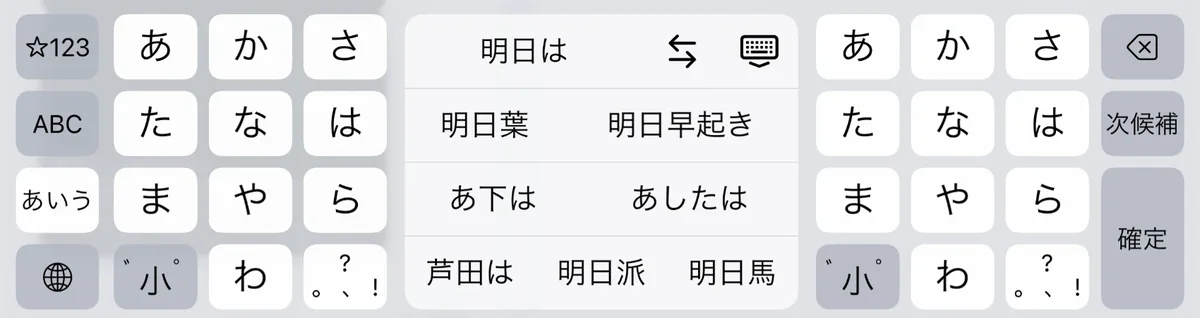
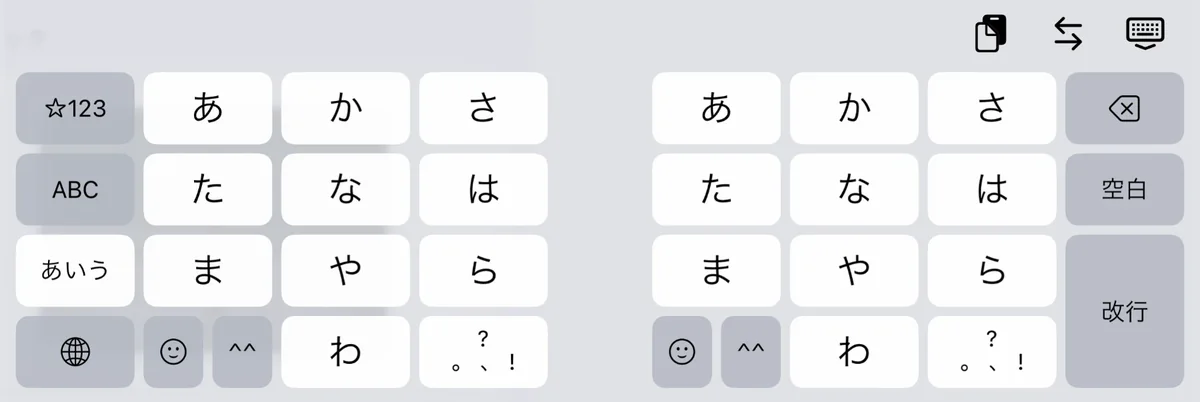
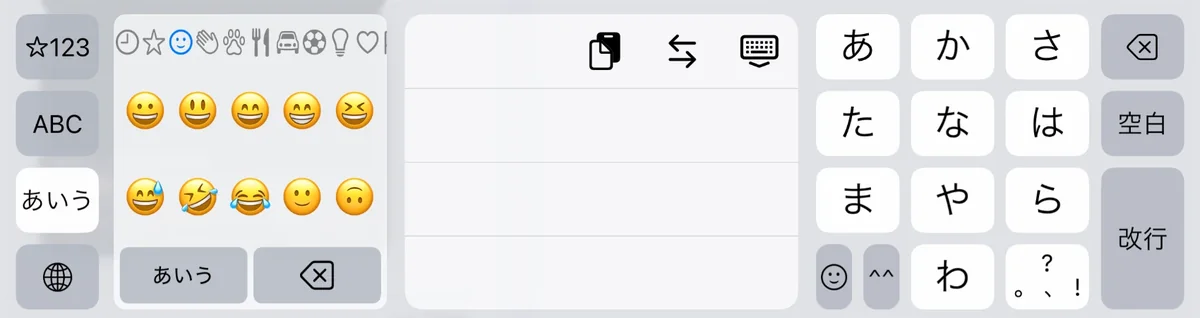
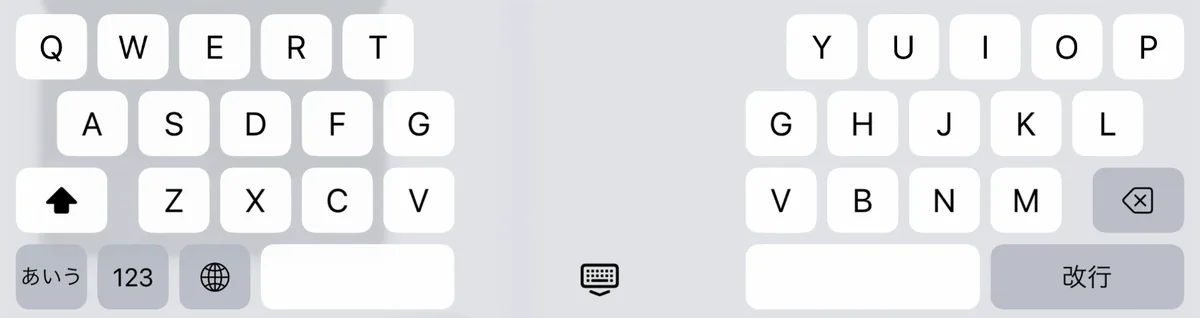
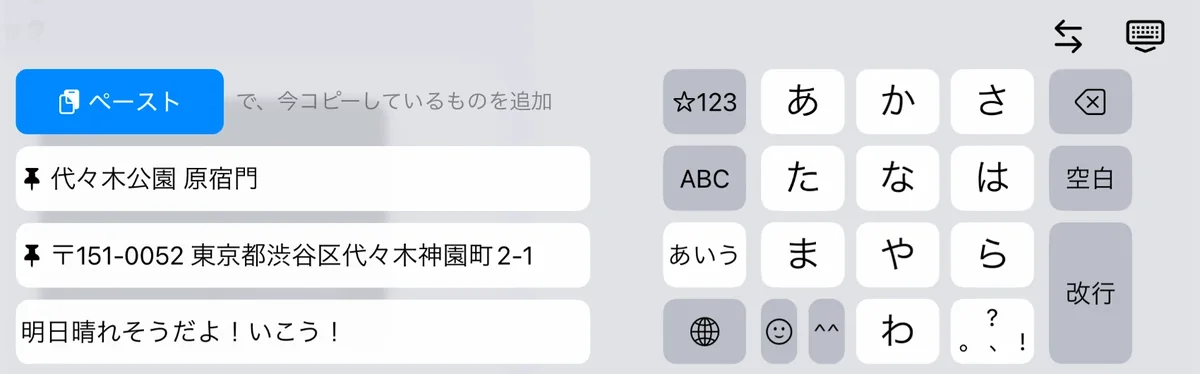
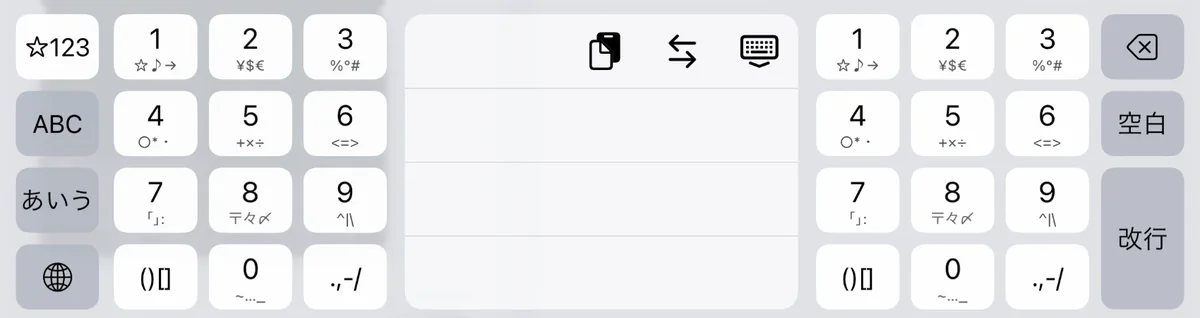
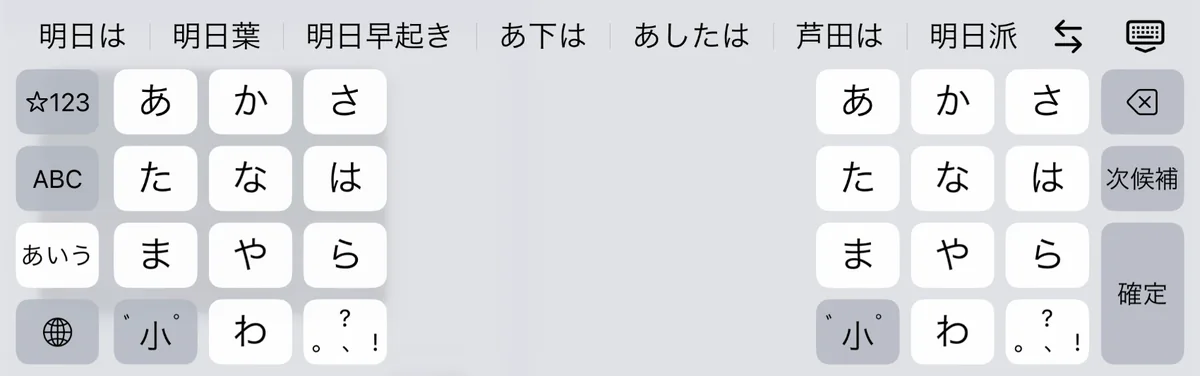
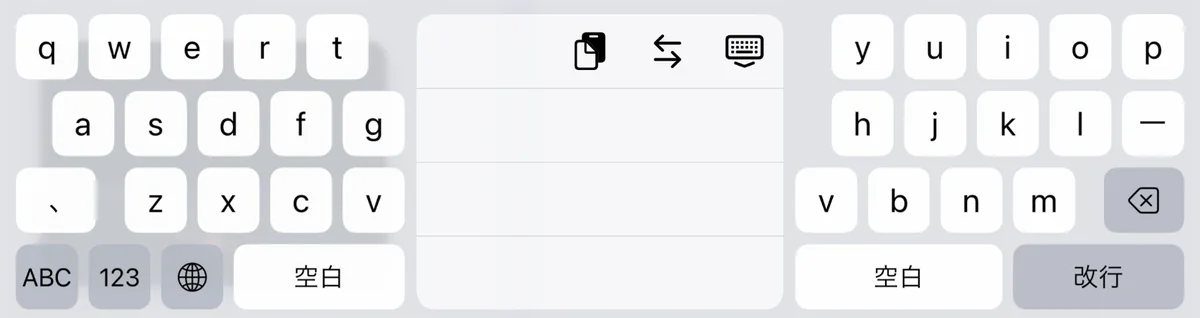
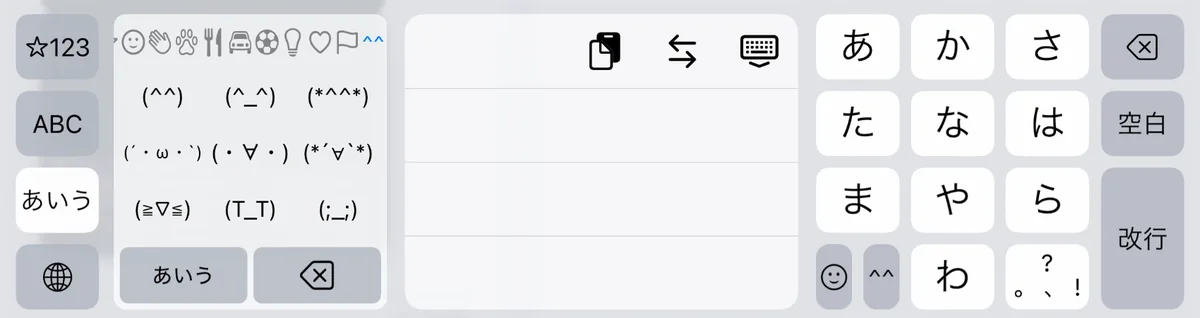
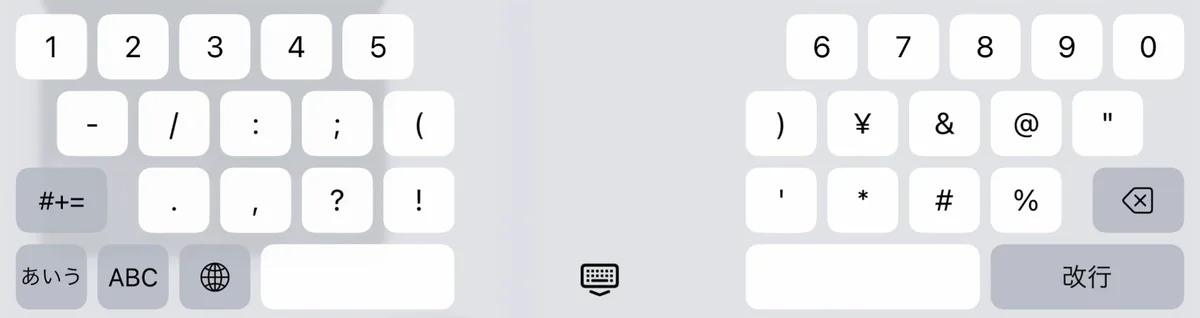
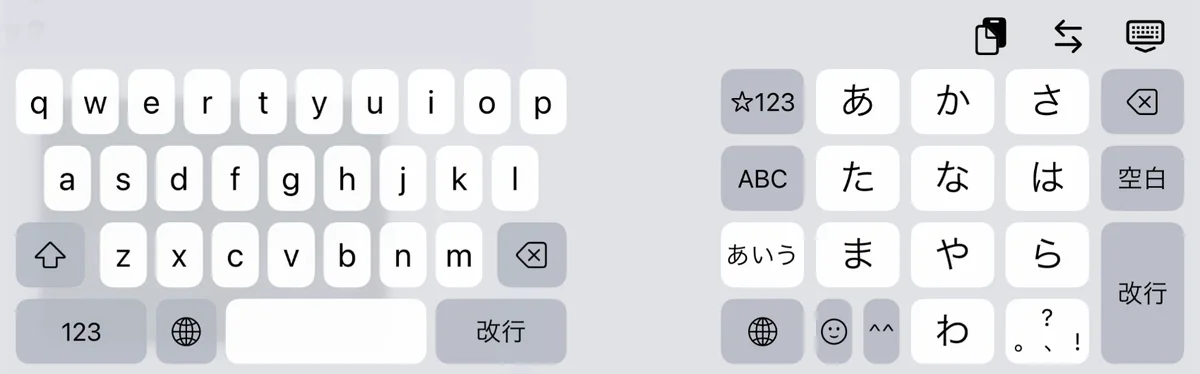
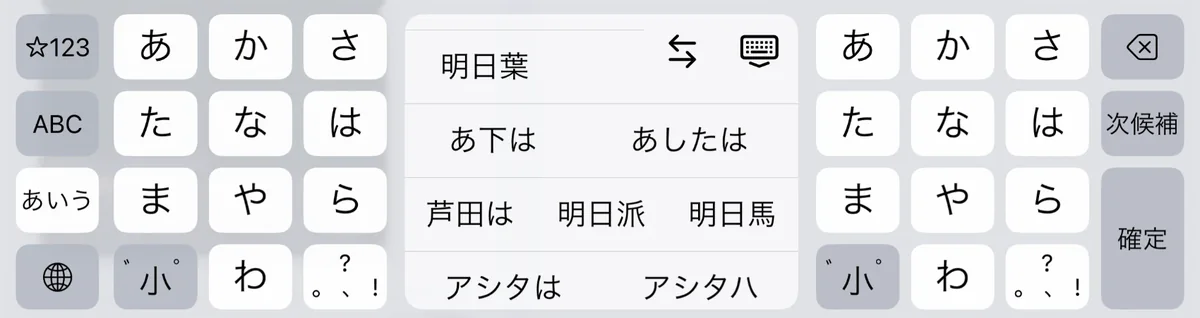
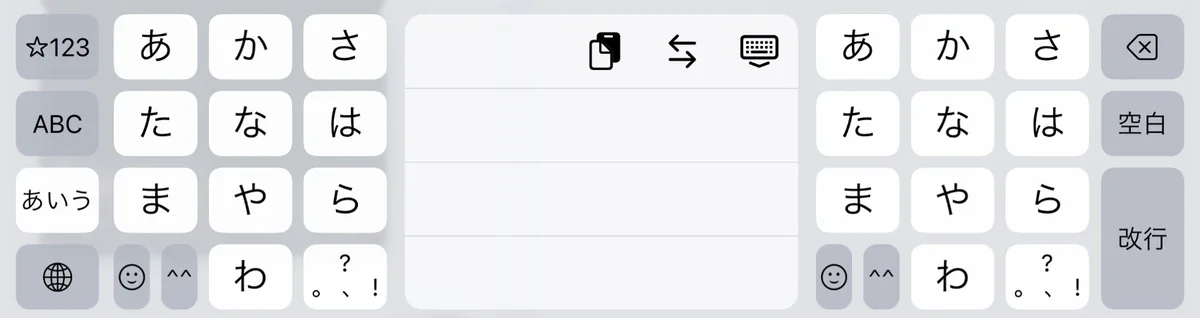
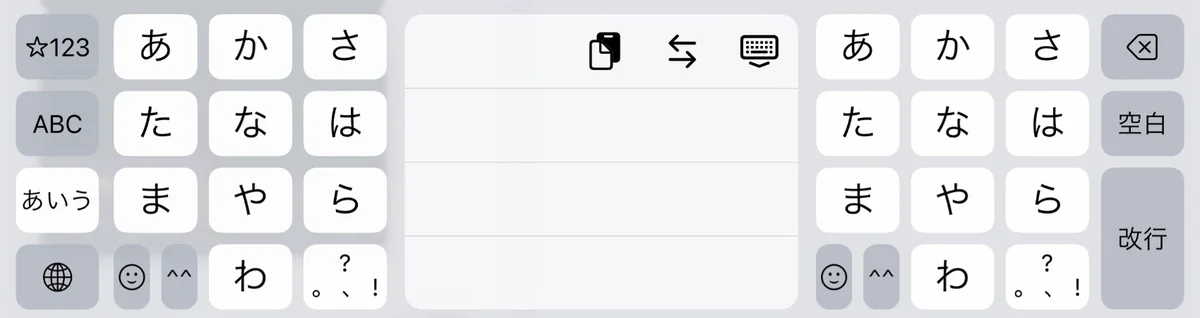
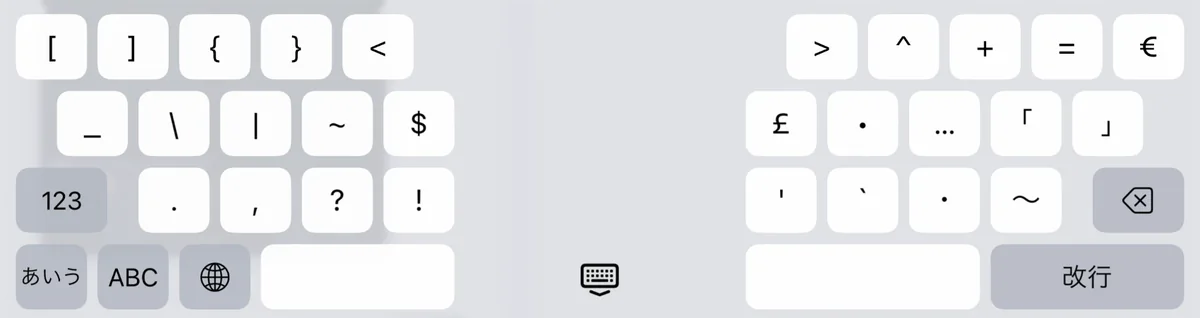
Drag the 12-key pad and the candidate bar to fit your hand. Prefer romaji? Add a QWERTY keyboard. Share any layout you make with a link.
 Kumikey
日本語
Drag the 12-key pad and the candidate bar to fit your hand. Prefer romaji? Add a QWERTY keyboard. Share any layout you make with a link.
Tap ⇄ on the keyboard to move the 12-key pad left, to the center, or right, right where you are typing. You can also pick separate layouts for upright and sideways.
Kumikey types both Japanese and English, but the app’s own screens are in Japanese.
No. On other iPhones, and on a Duo that’s closed or held upright, you get a single 12-key pad. The pads on both sides appear when the Duo is unfolded wide. Folded like a book, it can show the candidate list on the left and a 12-key pad on the right.
iOS 27.1 or later.
No. Every typing feature works without it. Full Access is used only for haptics and key sounds, to save the side you pick with ⇄ to the app’s settings, and for the clipboard history. Even with Full Access, the keyboard never connects to the internet.
Yes. For English, an unfolded Duo uses a QWERTY keyboard split across both sides, and a closed Duo uses QWERTY (or a 12-key pad if you prefer). To type Japanese in romaji, choose a layout with a QWERTY keyboard.
In password fields, iOS switches to the standard keyboard automatically. In username and code fields, switch to the standard keyboard with the globe key to pick a saved password.
Use “リンクで共有” (Share link) in the app to make a short link. Whoever opens it sees the layout and can add it to Kumikey. Short links expire about two years after they were last shared.